
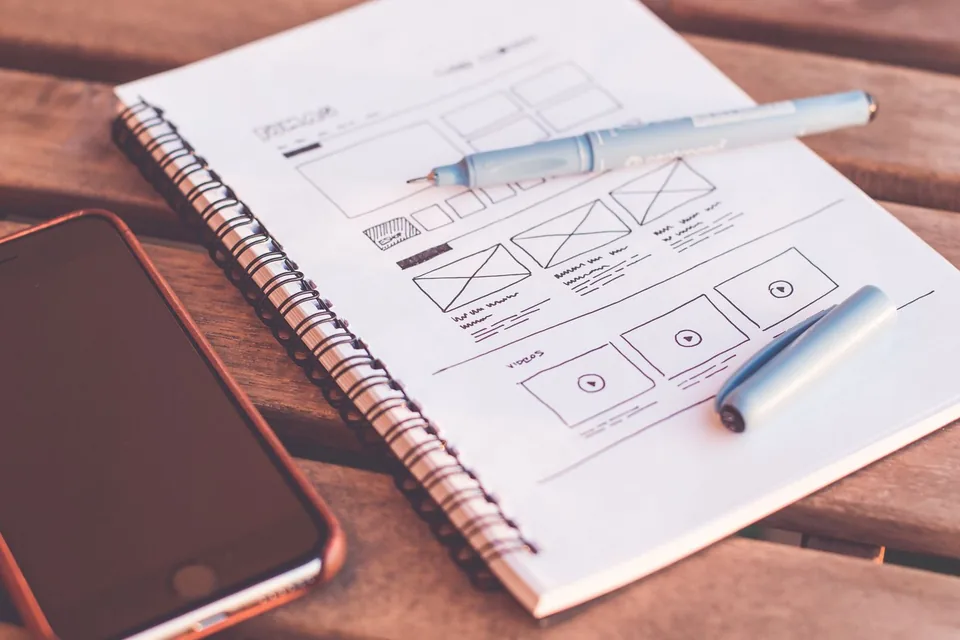
Tell the product story, not the feature inventory
A SaaS explainer video introduces a software product through a problem, a meaningful workflow and a useful outcome. It gives a prospective user enough context to understand why the product exists before asking them to absorb interface detail. The challenge is often selection rather than a shortage of information: which part of a complex platform should a first-time viewer remember?
Flickwick Studio’s SaaS explainer direction combines narrative clarity with carefully simplified interface animation. A conceptual dashboard can show how a process connects without pretending to be an actual client product. For real software, use approved screens and verified behaviour. The visual treatment should make the software easier to understand while keeping the distinction between an illustrative sequence and a functional demonstration clear.
Different videos for different stages of the journey
A launch film can establish the proposition and invite exploration. A product demo should show a representative task with more concrete detail. An onboarding video can help a new user complete a specific action after signing up. A sales enablement piece may address a buyer’s operational questions. Trying to do all of these in one sequence usually produces a film with competing priorities.
Map the video to an audience and a moment. A practitioner wants to know how a task changes; a manager may care about oversight, handover or adoption. Explain one useful journey instead of listing every available capability. Our general explainer video approach is a starting point when the wider proposition needs defining before the interface becomes central to the story.
UI animation that preserves the truth of the product
Interface animation can remove unnecessary clutter, enlarge a critical action and connect screens with a coherent motion language. It should not invent a feature or imply that a manual process happens automatically. Agree which elements can be simplified and which must remain accurate. Product names, permission states, sample data and visible customer information all need review before being included in a public asset.
Use demonstration data that is clearly fictional and contains no personal or confidential information. If the UI is still changing, identify stable elements and use abstracted components where appropriate. Maintain a record of which screens were approved so future product updates can be assessed. The goal is a useful, credible explanation rather than a beautiful software interface that the actual user will never encounter.
A little look at the moving parts
01 / Name the task
Choose one representative user journey. Identify the role, the starting state and the problem the workflow should help resolve.
02 / Connect the screens
Show accurate actions with approved UI references. Remove distractions while keeping the sequence recognisable to a real user.
03 / Make the outcome clear
Show what the task enables and where the user can go next. Keep conceptual interface views distinct from an actual product demonstration.
Make B2B software understandable to more than one role
B2B buying and adoption often involve several people with different questions. A team member may need to see how work moves; an administrator may need to understand setup; a decision-maker may need the larger context. A concise explainer can introduce the shared story, with supporting resources answering specialist questions. Do not force detailed technical documentation into the first visual introduction.
Workflow connectors, labels and transitions can show relationships between people, tasks and information. Use a consistent visual convention so a line always means the same kind of connection. Motion graphics can make an abstract process legible, while 2D illustration can provide human context around the screens. Choose the mix according to the message rather than the current visual trend.
Onboarding and education: start from a task
A helpful SaaS onboarding video names the task, shows the required starting state and follows the steps that lead to a recognisable result. Keep labels aligned with the actual product. Avoid moving the cursor faster than someone can follow, and show error-prone decisions clearly. Captions, an accompanying text guide and readable interface crops can make the resource useful in more viewing situations.
Group education content around user needs rather than your internal feature categories. A learner may be trying to invite a colleague or complete a handover, not looking for a broad tour of the settings panel. Short focused resources can be easier to update than a single all-purpose film. Confirm who owns ongoing accuracy and how the team will know when a product change requires a revised video.
A production process connected to product review
A typical project begins with the communication objective, audience and product walkthrough. The script identifies the central journey; a storyboard maps the narrative to interface moments and supporting visuals. Approved UI references, style frames and motion tests help establish the treatment. Animation, sound, review and delivery follow according to scope. Product and marketing reviewers should agree how feedback will be consolidated.
Plan for the reality that software evolves. Set a screen approval point, name the product version being represented and identify details that are likely to change. Agree how updates after approval will affect the work. Include legal or security review if the film refers to regulated workflows or sensitive capabilities. A clear review path is more useful than an unverified promise that any change can be absorbed without consequence.
Budget around complexity, variants and future use
Cost drivers include interface recreation, custom illustration, scene count, script development, voiceover, localisation and the number of output versions. An animated workflow with many states may take more work than a similarly timed brand sequence. Production also depends on the quality and stability of the source screens. A product still undergoing major design changes needs a different plan from a mature, documented interface.
Prepare a product description, audience profile, sample workflow, approved UI references and the placements you need. Share any accessibility or confidentiality constraints. Ask which deliverables are editable and what future updates would involve. Start a SaaS explainer brief with the questions users keep asking: those moments of confusion often point to a stronger story than a long list of features or broad claims about transformation.
Translate one workflow before introducing the whole platform
Imagine a software tool that moves a request between three people. A useful sequence can show the request arriving, the relevant information becoming available and a decision being handed to the next person. The audience does not need every settings screen to understand that relationship. A focused workflow creates a concrete example around which the wider product proposition can make sense.
Prepare a screen reference for each important action. Note the real label, the starting state and the expected result, then agree what the animation may simplify. Use synthetic demonstration data rather than customer information. If a behaviour is planned but not released, clearly distinguish that concept from the current product. This protects the credibility of the film and makes the product review more precise.
Once the sequence is mapped, consider its maintenance. A change to a button colour may not affect the explanation, while a change to the order of approval could make the story inaccurate. Identify the product owner who will review future updates and keep the approved workflow with the script. A clear record of the intended task makes it easier to assess changes without rebuilding an entire marketing story every time the interface receives a visual refresh.
A few things you might be wondering
Is an explainer the same as a product demo?
No. An explainer establishes the problem, proposition and value of a workflow. A demo shows the product performing a task in more detail. The two can support each other without carrying identical content.
Can the interface be simplified?
Yes, with approval. Remove distractions while retaining the actions and relationships needed for accuracy. Clearly conceptual screens should not be presented as real product functionality.
What happens when the product changes?
Plan version ownership and update needs before production. Keeping source files, scripts and approved references organised can help assess what needs revising later.
Can videos support onboarding and sales?
They can, but different audiences may need separate treatments. Define the user journey and decision each version should support instead of expecting one film to answer every question.