
Make the idea understandable before making it move
An explainer video gives an unfamiliar idea a clear route into someone’s mind. It connects a recognisable problem with a useful explanation, then offers a sensible next step. Animation makes that connection visible: a service becomes a sequence, an invisible process gets a shape, and an abstract benefit becomes a situation people can recognise. The goal is understanding rather than fitting every detail into a short film.
Flickwick Studio’s explainer video production direction brings storytelling, illustration and movement together around one central message. A homepage film, a sales presentation and an internal training resource may need different narratives even when they describe the same offer. Start by naming the audience, their starting knowledge and the action the video should support. That decision gives the script a purpose and makes later creative choices easier to judge.
Find the right format for the job
A character-led explainer works well when a human situation matters: someone is frustrated, discovers a different approach and sees what changes. A graphic-led film can be better for a framework, a data story or a service that has no physical appearance. A product explainer may mix simplified interface views with illustrations, while a process film can follow a single object through several stages. None of these formats is automatically best.
Choose the treatment around what needs showing. A story about care may benefit from expressive characters and a gentle pace. An operational workflow may call for diagrams, labels and a stronger sense of sequence. For software-specific needs, explore our SaaS explainer videos. Where a story depends on performance and personality, 2D animation can give the idea a distinctive visual voice.
Script and storyboard: solve the story on paper
A useful script has a clear opening, a focused explanation and an ending that feels earned. Write in language the audience uses, then remove statements that are already obvious or unsupported. If the message needs specialist terms, introduce them in context. Read the script aloud: a sentence that looks elegant on a page may be awkward to hear. Voiceover, on-screen text and visuals should work together rather than repeat every word.
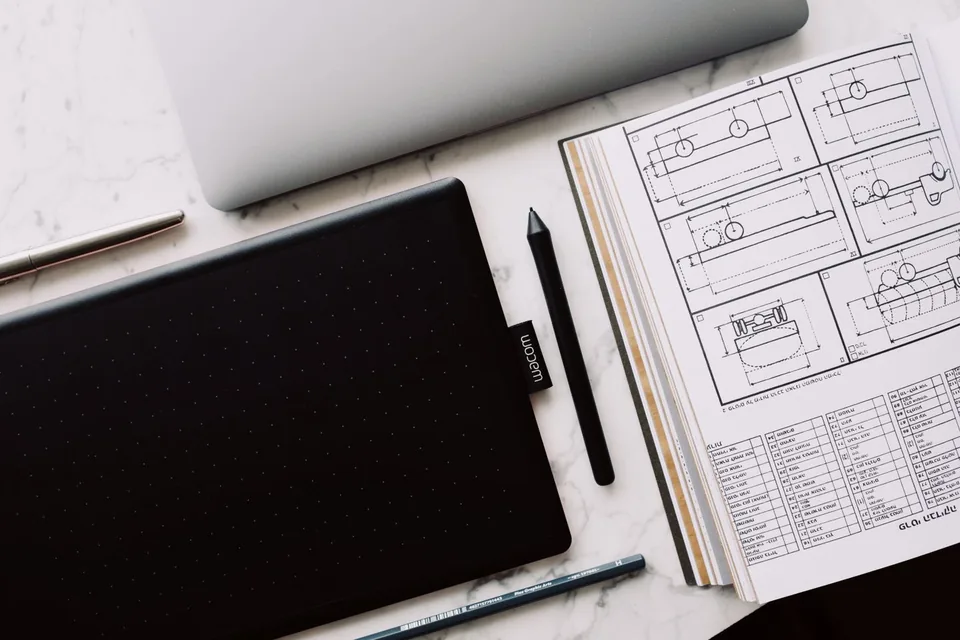
A storyboard translates that script into a sequence of proposed images. It can expose missing steps before detailed animation begins. Look for a visual reason to move from one scene to the next: a question becomes a diagram, a line becomes a path, or a product detail opens into a wider scene. Confirm key facts, brand requirements and sensitive claims at this stage so the creative work rests on an agreed foundation.
A little look at the moving parts
01 / The question
An unfamiliar idea becomes a recognisable situation. Establish what the audience needs to understand before introducing a proposed solution.
02 / The connection
Use the storyboard to connect the key actions. A visual transition should explain why the next scene follows, not simply cover a cut.
03 / The click
End with a clear outcome and a useful next step. The conclusion should follow from the story rather than add another unconnected claim.
Where an animated explainer can help
Business explainer animation can support launch pages, presentations, customer education, recruitment and internal communication. A healthcare topic may need careful terminology and expert review. A financial service may require disclaimers and compliance approval. An education resource may prioritise readable labels, inclusive examples and pacing that allows reflection. The medium is adaptable, but the underlying information still needs an accountable owner.
Consider where the film will actually be watched. A video in a sales call can assume someone is available for questions; a social clip cannot. A public product page needs context for a first-time visitor, while an onboarding film can start after a specific action. Useful planning includes the placement, expected viewing conditions, language versions and how the audience will find further information. Animation supports the communication strategy; it does not replace it.
A practical route from brief to finished film
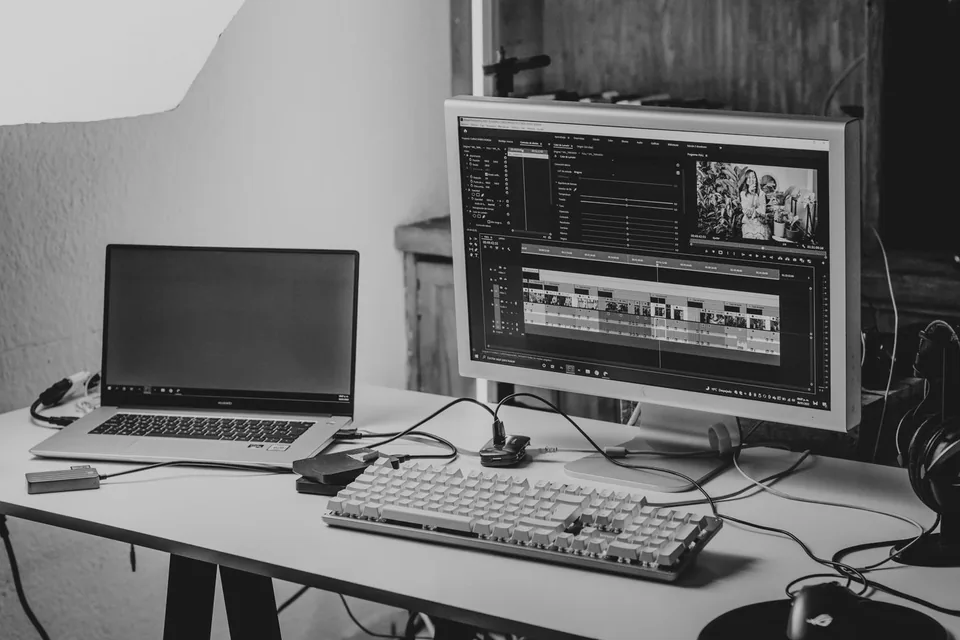
A typical production path starts with discovery and a working brief, followed by script development and storyboard review. Style frames establish the visual language. An animatic can test scene order and pacing before detailed movement is added. Animation, voiceover, sound design and final export follow once the direction is ready. The exact sequence and deliverables should be agreed for the project rather than treated as a fixed promise.
At each review, separate factual corrections from creative preferences and new scope. Consolidated feedback helps the production team understand what needs changing and why. Name the people who approve messaging, visuals and delivery formats before work starts. Motion graphics can be combined with illustration when typography or diagrams need to carry part of the explanation. A coherent approach matters more than the number of techniques used.
Plan the investment around the real requirements
Explainer video cost depends on more than duration. Script complexity, the number of scenes, custom illustration, character performance, voice casting, music rights, language versions and revision scope all affect the work involved. A brief with many audiences or messages can need more planning than a longer film with a simple structure. Existing brand assets may help, provided their usage rights and quality are suitable.
Prepare a brief with your objective, audience, message, preferred placements, available assets and any approval requirements. Share a budget range if possible so the creative direction can be proportionate. Ask which stages are included, what constitutes a revision and what source files or usage permissions will be supplied. Flickwick Studio does not publish a universal price or unverified delivery promise; a useful estimate starts with the actual scope.
Measure whether the explanation is doing its job
Before release, check comprehension with someone close to the intended audience. Can they describe the offer after watching? Do they understand the next step? Test subtitles, text size and sound-off viewing where relevant. Review the video at its real display size rather than only full screen. These small checks can reveal an unclear transition or an overloaded label before the film becomes part of a campaign.
After launch, choose measures that match the objective. Watch-through patterns can indicate where attention drops, but they do not prove comprehension or sales impact on their own. Combine available analytics with audience feedback and the wider page journey. Keep the script and supporting information maintainable as the offer changes. An accurate film that remains useful is a better outcome than a visually busy piece that quickly becomes out of date.
Plan a story that still works after the first viewing
Imagine introducing a service with several moving parts. The first scene does not need to explain the entire system. It can establish the situation the viewer recognises, then show what prevents progress. The next scenes can connect the most important change to an observable result. This gives the explanation a route through the information instead of turning it into a spoken feature list. Each scene should answer a question raised by the previous one.
Before approving the visual sequence, try removing the narration and describing what the images communicate on their own. Then listen to the script without looking at the storyboard. Neither version needs to carry every detail independently, but a mismatch can reveal a visual metaphor that distracts from the message or a sentence that asks too much of one frame. Captions and a concise text summary can offer additional ways to follow the idea.
Plan the handover as carefully as the opening. List the agreed final dimensions, caption format, language versions, soundtrack permissions and any source-file requirements. Keep a copy of the approved script and final storyboard with the delivered exports. If a fact changes later, those references make it easier to identify the affected scenes. A useful explainer is not simply finished when the last frame renders; it needs to remain accurate in the places where people will encounter it.
A few things you might be wondering
How long should an explainer video be?
Long enough to explain one useful idea without unnecessary detours. Choose the length after outlining the message, the audience’s prior knowledge and the viewing context, rather than starting with a rigid duration.
Can we use our existing script?
Yes, an existing draft can be a starting point. It should be reviewed for clarity, factual accuracy, visual opportunities and whether the intended scope can be communicated comfortably.
Do we need voiceover?
Not every explainer needs narration. A text-led or visually led approach can work, especially for sound-off placements. Plan captions, reading speed and localisation before choosing the treatment.
What should we prepare for a first discussion?
Bring the core message, audience description, intended placements, brand guidelines and any references you like. Explain what you like about each reference rather than asking for a copy.