
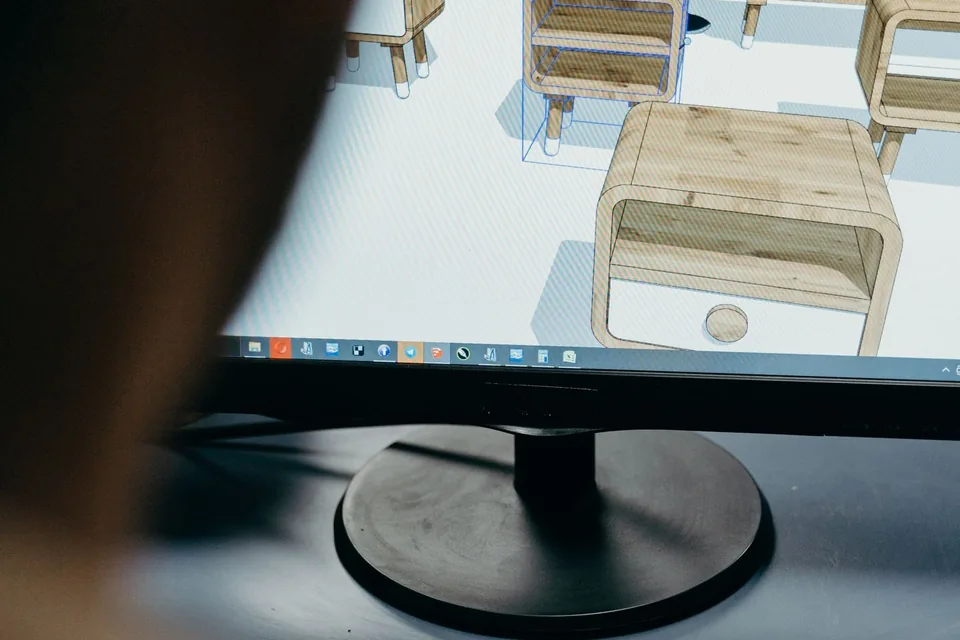
Show what a flat image cannot explain
3D animation builds scenes in a digital spatial environment, where objects can be modelled, lit and viewed from different angles. A camera can move around a form, separate a product into its components or enter a space that would be impractical to film. The creative value lies in the chosen perspective: which view helps someone understand the subject, and what should remain outside the frame?
Flickwick Studio’s dimensional direction treats lighting, materials and motion as parts of the story. A stylised object can feel tactile without pretending to be a photograph. A technical visualisation can simplify a complex assembly while retaining the important relationships. Decide early whether the aim is faithful representation, an imaginative interpretation or a clearly labelled conceptual scene. That distinction affects both the production and the audience’s expectations.
Product animation with a useful point of view
A 3D product animation can show how a mechanism works, how an object is assembled or what differentiates a feature. Cutaways and exploded views make internal relationships visible; controlled camera movement can explain proportions and surface details. Each shot needs a job. An attractive orbit is not enough if it leaves the viewer unsure which detail matters or how the product should be used.
Provide approved drawings, CAD files, measurements or product references where accuracy is important. Those assets may need preparation before they are suitable for animation. Confirm which details are final and which remain in development. Product visualisation should not imply capabilities that have not been verified. Technical claims, labels and safety information need review by the appropriate subject expert before a public-facing film is finalised.
Materials, lighting and a sense of presence
Materials describe how surfaces respond to light: rough, polished, translucent, soft or metallic. Lighting then establishes shape, atmosphere and visual priority. A bright edge can separate an object from its background; a broad shadow can anchor it in space. These choices are more than decoration. They help the audience judge scale, texture and where to look within a composition.
Texturing and lighting tests are useful before committing to a full sequence. Review them on representative screens and against the intended brand context. Photorealism is one option, not an automatic requirement. A stylised treatment can reduce distracting detail and make a complex idea easier to read. Where an illustration-led narrative would communicate more directly, compare our 2D animation services rather than choosing dimensions for their own sake.
A little look at the moving parts
01 / Find the form
Use approved references to establish proportion and structure. Decide how much realism the audience needs to understand the subject.
02 / Shape the light
Choose materials, shadows and highlights that reveal the important surfaces. Atmosphere should support the object rather than hide it.
03 / Choose the viewpoint
Use camera movement to answer a question about the form or function. Test the final composition at its intended display size.
Characters, environments and technical worlds
3D characters require modelling, a suitable rig and a performance approach. The design must support expression and movement, not simply look appealing in a static pose. Environments can establish scale and context, from a simple abstract stage to a more detailed imagined setting. Consider how much of that world the story really needs; every visible element should support the intended experience.
Technical visualisation has a different responsibility. It may need to show a flow, sequence or relationship accurately enough for a specialist audience. Use annotations and simplified geometry where they aid comprehension, and identify any abstraction that could be misunderstood. A medical or engineering animation can need independent factual review. Do not present an artistic simulation as a validated scientific model unless the underlying work supports that claim.
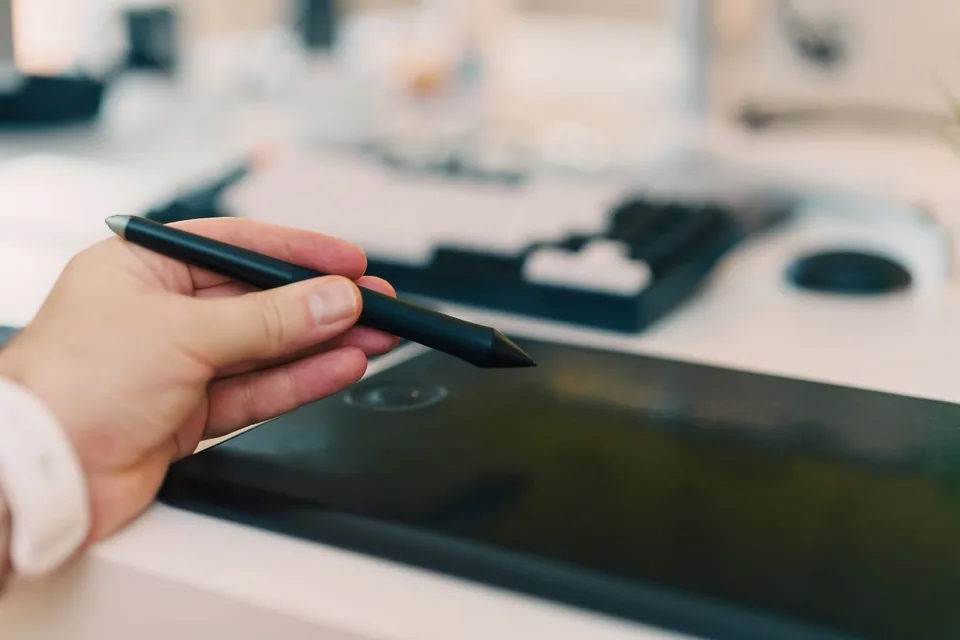
A 3D production path with clear review points
A typical sequence begins with the brief, references and visual planning. Modelling establishes form, followed by materials and scene layout. Camera tests and rough animation check movement before final lighting, rendering and compositing. Sound, labels and export variants complete the delivery where included. These stages can overlap, but it is useful to agree when key decisions should be approved.
Changing the shape of a model late in production can affect materials, rigs, animation and rendered shots. Review simple geometry and camera previews before judging polished surfaces. Keep factual and creative approvals distinct: an object can look beautiful and still be the wrong shape. For a film that combines spatial visuals with a narrated argument, explainer video production can provide the narrative structure around the 3D work.
Plan outputs beyond the hero shot
An advertising film, a technical presentation and a product page may need different versions of the same scene. Discuss aspect ratios, close-up crops, transparent backgrounds, still images and language-specific labels before rendering. Source projects and web-interactive assets are separate deliverables from finished video. If an interactive model is required, geometry, textures and performance budgets need their own plan rather than an assumption that the film assets will transfer directly.
For web use, offer a static fallback and avoid relying on a demanding renderer to deliver the essential message. Mobile devices, battery constraints and reduced-motion preferences change what is appropriate. Agree a performance budget for interactive web delivery and keep a useful static alternative available. Motion graphics can supply clearer labels and diagram sequences around detailed 3D views when the subject needs both.
What affects the scope and cost?
Model complexity, asset preparation, material detail, character rigs, effects, scene count and render requirements all influence the investment. Existing CAD can help, but its suitability must be checked. Simulations, reflections, transparency and realistic surfaces can add production work and rendering time. The number of output variants and review rounds also matters. Duration alone is therefore a poor basis for comparing quotations.
Share the objective, available technical references, desired level of realism, intended placements and any accuracy requirements. Distinguish essential shots from optional explorations. Ask what is included in modelling, revisions, licensing and handover, and how product changes will be handled. Discuss a 3D animation project before committing to a particular visual treatment so the proposed approach reflects the actual communication task and budget.
Choose a camera move that answers a real question
An orbit around a model can be attractive, but a useful product shot has a specific purpose. A front view may establish proportion; a close-up may explain a control; an exploded view may reveal how parts connect. Plan those questions before selecting a camera path. Movement should help the audience inspect the subject rather than repeatedly reveal angles that add no information.
Review simple camera previews before final materials and lighting. A rough shaded model is often enough to judge whether the sequence explains assembly, scale or a feature relationship. Product specialists should check the important proportions and mechanical behaviour at this stage. If the scene is conceptual, identify which details are invented for illustration so they are not mistaken for verified product specifications.
Think about where the finished render will be used. A highly reflective material may look convincing in a large presentation but lose definition in a small compressed video. A dark product may need a different background when placed on a website. Ask for representative test exports rather than judging only a pristine production frame. Keep the intended contrast, crop and display size in the plan. These decisions connect the technical craft of modelling and lighting to a clearer final viewing experience.
A few things you might be wondering
Do we need CAD files?
They are useful for some product work, but not every project begins with CAD. Approved photographs, drawings and dimensions may support modelling. The required accuracy and available references should be discussed first.
Can the animation show an unreleased product?
It can illustrate a proposed design if the information is approved and any conceptual features are clearly distinguished from confirmed capabilities. Confidentiality and publication timing should be agreed.
Is photorealism always the best option?
No. Stylised geometry can make a message clearer and more distinctive. Choose realism when material fidelity or product detail is important to the audience’s decision.
Can we receive still images as well as video?
Additional renders can be scoped, including dimensions and usage rights. Plan them early so camera angles, materials and resolution support the intended applications.